
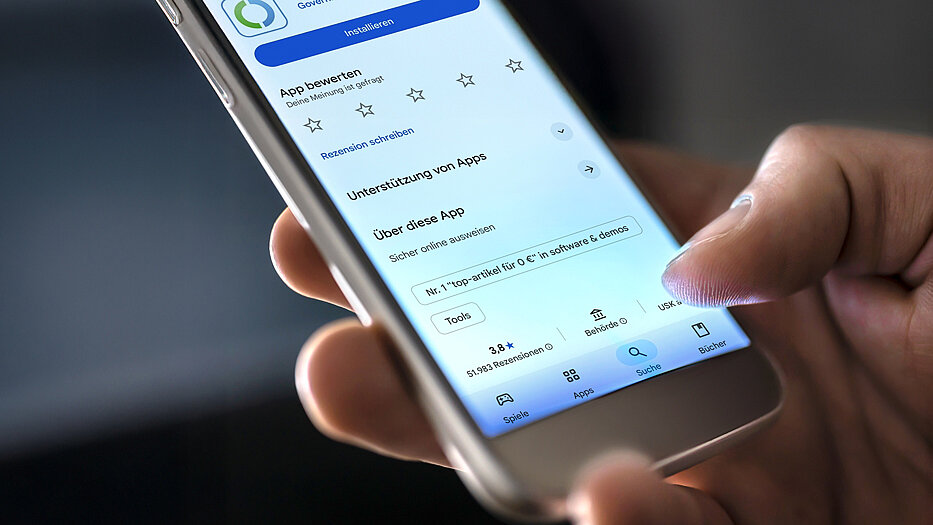
Download AusweisApp
AusweisApp is a software that you install on your smartphone, computer or tablet in order to read out your ID card and to be able to identify yourself digitally. In addition, AusweisApp enables encrypted data exchange between the ID card and the online service where you want to identify yourself.
Depending on your operating system, select the appropriate download and install AusweisApp on your computer, smartphone or tablet.
Supported systems: Android 9.0 or higher, iOS 17.0 or higher, macOS 14.0 or higher, Windows 10 (64 Bit) and 11, Windows Server 2016 (Version 1607), 2019, 2022, 2025 and ChromeOS 140 or higher.




Content Carousel
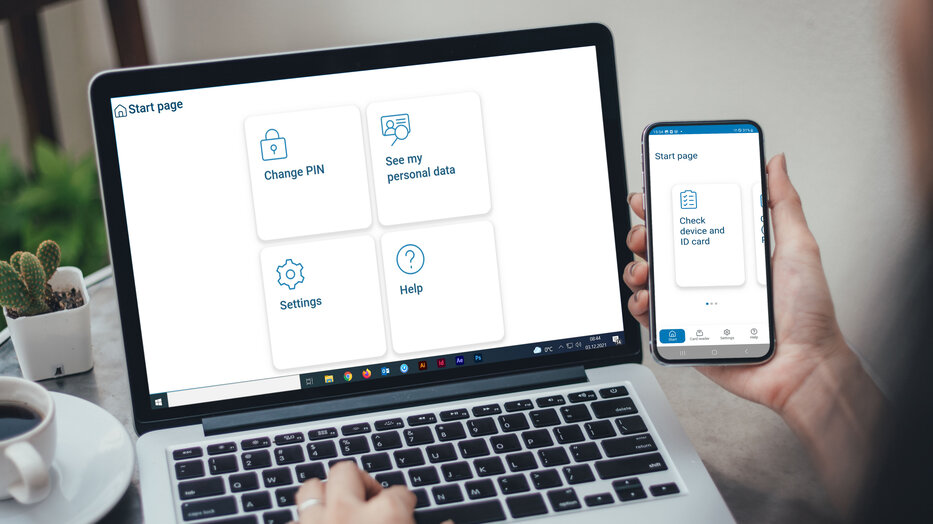
Welcome Page
The welcome page of the AusweisApp takes you to functions such as PIN management, the provider list, and the option of displaying the data stored on your ID card. In the mobile app, you can also check whether your device can read out the eID card and whether the eID function of your ID card is activated.
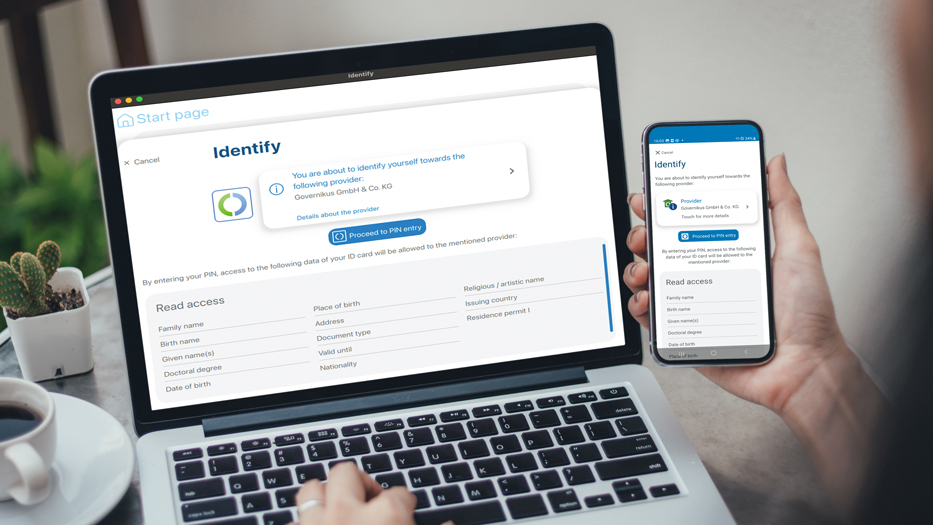
Permissions Request
Before each readout process, the ID app displays the provider's authorisation certificate. It provides information about which data will be read from your ID card and to whom it will be transmitted. The certificate is a government authorisation that the provider applies for from the Federal Administrative Office, thereby committing to comply with data protection and security requirements.
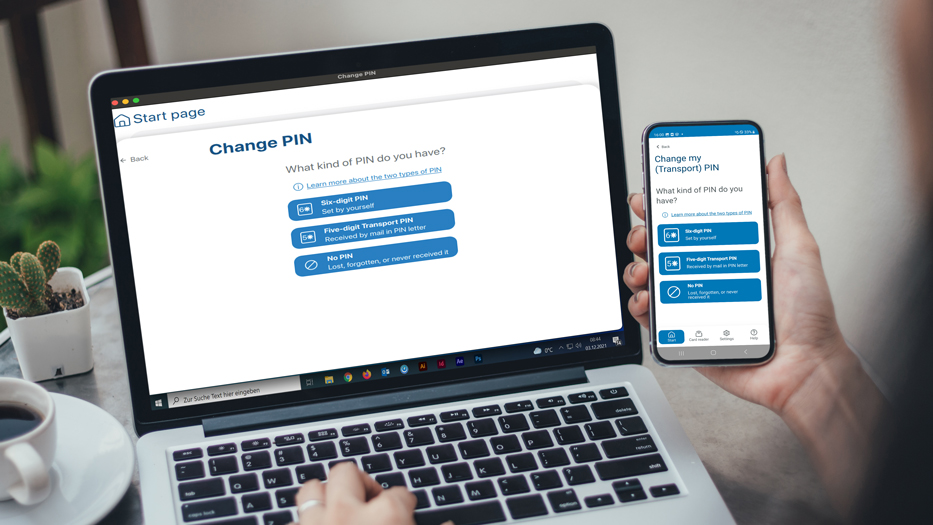

AusweisApp as Open Source Software

AusweisApp is an open source software. Under the EUPL license, interested developers can get the original source code, duplicate it, develop it further, program optimizations and make them available to the community again.